0460f87a-ae78-4133-8f51-028b4916486b

The latest wake-up call

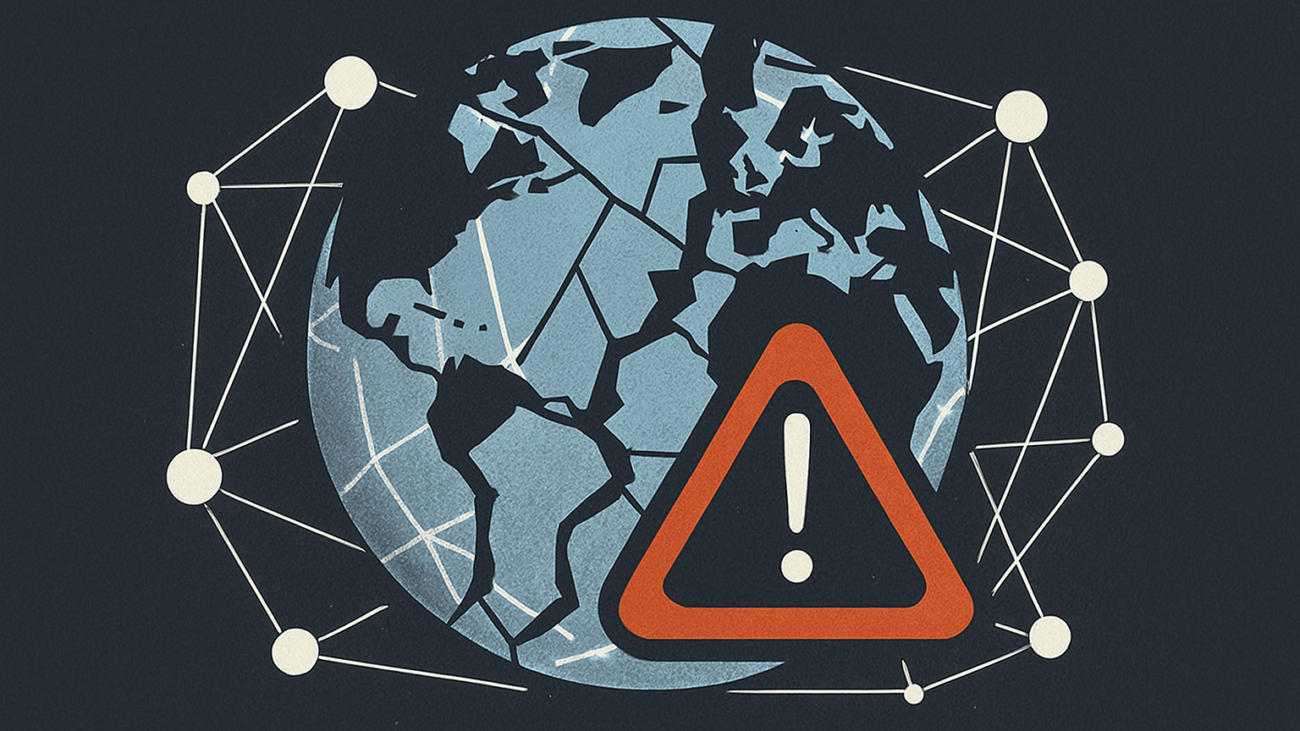
On 20 October 2025, Amazon Web Services (AWS) suffered a major outage, rooted in its US-EAST-1 region, which cascaded into a broad disruption of apps, services and even government systems around the world.
Among the casualties were prominent consumer and enterprise services including Snapchat, Signal, Fortnite, Coinbase, Lloyds Bank, and even the UK government’s tax portal via HM Revenue & Customs.
While AWS reports “significant signs of recovery”, the incident brings sharply into focus a systemic fragility in the global Internet infrastructure: too many services relying on too few providers.


Single Points of Failure – what they are and why we should care

A Single Point of Failure (SPOF) is a component of a system whose failure would cause the entire system (or a critical portion of it) to fail. In the context of cloud infrastructure and the Internet, the concept has become increasingly relevant.

Why it matters

  • When major cloud providers or a single data centre region goes down, the ripple effects can be enormous. In the AWS case today, countless downstream services (applications, banks, government services) were impacted.
  • Because many services outsource infrastructure (compute, storage, databases) to large cloud providers, dependencies have grown concentrated. In effect, one provider’s outage can knock out many clients simultaneously.
  • As one industry blog puts it: “This outage demonstrates that Internet infrastructure … has evolved some single points of failure that can cascade far beyond their original scope.”
  • The economic, operational and reputational cost of a major outage is large — for the affected provider and its clients.

Where the SPOFs lie

Some of the weaker points in today’s Internet/cloud ecosystem include:

  • Cloud provider regional failures: A data centre region or critical service (e.g., database or DNS) going offline causes many services in that region or using that service to crash.
  • Dependency on a single provider feature: For instance many services use AWS’s DynamoDB, S3, etc. If that service degrades, the dependent applications suffer.
  • Monopolised infrastructure: When many businesses cluster around a few large cloud providers (AWS, Microsoft Azure, Google Cloud), outages in these large providers impact wide swathes of the ecosystem.
  • Lack of diversification in architecture: Applications may assume “the cloud provider will be up,” but often don’t have fallback strategies across providers or data centres.

The AWS outage – a textbook case

Today’s incident serves as a clear example of how a SPOF in cloud infrastructure affects the broader Internet:

  • The AWS disruption appears to stem from failures in one or more key infrastructure components in US-EAST-1.
  • Because many services are hosted (or have components hosted) in that region, or rely on AWS services globally, the knock-on effects were extensive: from consumer apps, financial services, to government portals.
  • The fact that one provider region can have such broad impact illustrates the systemic risk: the Internet is increasingly built on a handful of providers whose failures ripple outwards.

Why this is a broader concern for the Internet

  • Democratization of service doesn’t necessarily mean dispersion of risk: While more services move to the cloud (good for agility), it also means more critical infrastructure is concentrated.
  • Chains of dependency become opaque: A small service might outsource parts of its stack to AWS, which itself may depend on other internal systems – a failure at one layer cascades. Research into cloud service dependencies underscores how difficult it is to trace and manage the “intensity of dependency”.
  • Resilience becomes more expensive and complex: To avoid SPOFs, organisations must build multi-cloud, multi-region fallback plans – but many services don’t invest at that level.
  • Regulatory and systemic risk implications: When large sectors (finance, government, telecoms) depend on one provider, outages become national-level risk events — not just “IT hiccups”.

What organisations and the Internet need to do

Here are some of the key mitigation strategies to reduce SPOF risk:

  1. Design for redundancy and multi-provider architectures
    Use more than one cloud provider or multiple regions. Replicate services, data and avoid reliance on a single region or service component.
  2. Trace and map dependencies
    Understand which services depend on which underlying infrastructure (databases, DNS, cloud provider services) so you know where failures could cascade.
  3. Failover and fallback planning
    Ensure there are defined strategies if primary infrastructure fails – automated or manual failover to alternate cloud, region or provider.
  4. Monitor and test resilience
    Simulate outages (chaos engineering) to check if failover paths work, and monitor for dependencies you might have overlooked.
  5. Avoid over-concentration in one provider’s “critical services”
    Just because one cloud provider offers convenience doesn’t mean you should put all “eggs” in one basket – especially for infrastructure that is critical to your organisation or customers.
  6. Transparency & SLAs
    Cloud providers should provide transparent status and impact data; clients must negotiate SLAs that reflect the risk of provider-level failures.

Conclusion

Today’s AWS outage is a stark reminder that despite the cloud being marketed as “always on,” the underlying infrastructure still contains single points of failure, and those failures now affect much more than just one service or one company. As more of the Internet relies on a handful of major providers, resilience must become a first-class priority.

For businesses, developers, and even governments, the question isn’t if a provider will fail in a way that affects them – it’s when. The right question now is: What happens to your service if your cloud provider, data centre region, or one key infrastructure component goes down completely?


AI

The Good, the Bad, and the Ugly of AI in Business

Artificial Intelligence (AI) is no longer a buzzword, it’s a practical tool reshaping how businesses operate, from customer service chatbots to advanced data analysis. But like any powerful tool, AI brings both opportunities and risks. For organisations considering or already using AI in their workflows, it’s important to understand not just the benefits, but also the pitfalls and dangers that come with it.


The Good – Unlocking Business Potential

AI offers clear advantages for businesses of all sizes:

  • Efficiency Gains – Automating repetitive tasks such as data entry, scheduling, and customer enquiries allows staff to focus on higher-value work.
  • Data-Driven Insights – AI systems can analyse vast amounts of data quickly, uncovering patterns that humans might miss. This helps with forecasting, inventory management, or even spotting fraud.
  • Personalisation – From tailored marketing emails to product recommendations, AI can help businesses create more personalised experiences that boost customer loyalty.
  • 24/7 Availability – AI-powered chatbots and support tools ensure customers get answers at any time of day, without increasing staffing costs.

For many businesses, AI is like adding a new employee who never sleeps, doesn’t take breaks, and can process terabytes of data in seconds.


The Bad – When AI Gets Things Wrong

AI is powerful, but it’s not perfect. In fact, it often “hallucinates” producing results that sound convincing but are completely inaccurate. For businesses, this can have real consequences:

  • Wrong Ingredients in Menus – Imagine a restaurant using AI to draft new menu descriptions, only to find that it confidently suggested adding peanuts to a “nut-free” dish. That mistake isn’t just embarrassing; it could be dangerous.
  • Factually Incorrect Images – AI tools are increasingly used to generate instructional diagrams or marketing visuals. But what happens when the AI draws a safety instruction wrongly, such as reversing “tighten” and “loosen” directions? The result could be confusion, wasted time, or even accidents.
  • Outdated or Invented References – An AI-generated report might cite non-existent studies, misquote statistics, or fabricate sources. If unchecked, these errors can damage credibility with clients and stakeholders.
  • Does not get a joke – AI reliance of social media answers in responses to questions has resulted in some embarrasing situations where AI has not understood a high like post has been due to a joke rather than a suitable answer. This has resulted in suggestions such as adding glue help cheese stick to a pizza and adding petrol to a spicy dish for an extra kick.

The lesson: AI can speed things up, but it’s not a replacement for human review. Fact-checking and verification must remain central to your workflow. Businesses should treat AI outputs as a first draft a helpful starting point, but not the final product.


The Ugly – The Dark Side of AI

Beyond occasional errors, there’s a more dangerous side to AI that businesses must be aware of:

  • Deepfakes and Misinformation – AI can generate audio, video, and images so realistic they’re indistinguishable from reality. This opens the door for fraud, impersonation, and reputational attacks. Imagine a fake video of your CEO making false statements circulating online.
  • Manipulation and Trust Erosion – AI-generated content can be used to spread misinformation at scale. For businesses, this isn’t just a PR risk it can erode customer trust in the wider digital ecosystem.
  • Security Vulnerabilities – AI-powered attacks are becoming more sophisticated, from phishing emails that mimic a colleague’s tone perfectly, to automated scams targeting customer service systems.
  • Over-Reliance on AI – Some businesses fall into the trap of “AI dependency.” When critical decisions are outsourced to algorithms without oversight, the consequences of bias, error, or manipulation can be catastrophic.

The ugly truth is that AI is not just a tool for productivity, it’s also a tool that bad actors can exploit. Businesses must remain vigilant, with strong safeguards in place to detect and counter misuse.


Moving Forward – Using AI Responsibly

AI is here to stay, and businesses that embrace it responsibly will reap the rewards. But the key lies in balance:

  • Use AI to enhance productivity, not to replace critical thinking.
  • Always fact-check outputs, whether it’s a sales proposal, a menu, or a technical diagram.
  • Stay informed about the risks of deepfakes and misinformation, and train staff to spot and respond to them.
  • Build transparency and oversight into your processes so AI supports your team rather than undermining it.

Final Thought

The good, the bad, and the ugly of AI all come down to how it’s used. It can be your most efficient assistant, a source of embarrassing mistakes, or in the wrong hands a dangerous weapon. Businesses that recognise these realities, set clear policies, and combine AI with human judgment will be the ones that thrive in the new era.

We can help with how your business can make best use of AI, contact us for more information.

pexels-jakubzerdzicki-28348054

Does Your Business Wi-Fi Slow to a Crawl When You Need It Most?

For many small and medium-sized businesses, the internet is no longer a “nice to have” — it’s essential. From taking card payments on your tills, processing bookings, and running cloud-based systems, to offering guest Wi-Fi to customers, your whole operation often depends on a stable connection.

But what happens when your Wi-Fi slows down at the worst possible time? Staff can’t log in, card machines time out, and customers get frustrated. The good news is that many of the most common problems can be fixed with a few simple checks.

Here are three areas to look at today if your business Wi-Fi isn’t performing as it should:


1. Check Your Router Placement

Where you position your router has a huge impact on how well your Wi-Fi works.

  • Avoid hiding it: Routers tucked away behind the bar, under desks, or next to metal shelves will lose signal strength.
  • Keep it central: Place it high up and as close to the centre of your building as possible. Think of the signal radiating outwards like a lightbulb — walls, fridges, and microwaves all block or weaken that “light.”
  • Do a quick test: Walk around your business with a phone or tablet connected to the Wi-Fi. Note where the signal drops (one bar or less). If it’s in key areas like your till or booking desk, router placement could be the issue.

2. Look for Congestion and Interference

Wi-Fi networks share “channels.” If you’re based in a busy area — for example, on a high street or in an office block — nearby networks can overlap and slow you down.

  • Check your channel: Free apps such as Wi-Fi Analyzer (Android) or WiFi Explorer (Mac/Windows) show which channels nearby routers are using. If you’re on the same one as several neighbours, switching can help.
  • Upgrade to dual-band or mesh Wi-Fi: Many older routers only use the 2.4GHz band, which is slower and more crowded. Newer dual-band routers add 5GHz, which is faster but shorter range. Mesh systems go further, creating multiple access points across your building.
  • Simple test: If your Wi-Fi is slow in the evening but fine in the morning, that’s often a sign of congestion as more people in the area go online.

3. Separate Guest and Business Networks

Letting customers connect to your main Wi-Fi might seem convenient, but it’s risky:

  • Security: Guest devices could expose your systems to viruses or malicious software.
  • Bandwidth: Customers streaming videos can consume valuable bandwidth, leaving your card machines struggling.
  • Solution: Most business-grade routers allow you to create a separate “guest” network. This keeps customers on their own connection while protecting your tills, card machines, and business data.
  • Quick check: Log in to your router’s admin page (often at 192.168.0.1 or 192.168.1.1 – check the label on router to confirm). Look under Wi-Fi or Wireless settings for “Guest Network.” If you don’t see the option, your router may be due for an upgrade.

When to Call in the Experts

If you’ve checked placement, congestion, and networks but your Wi-Fi still isn’t up to scratch, it may be time to look deeper. Faulty cabling, outdated routers, or poor internet provision can all be behind the scenes.

That’s where we come in. At Deck8 Ltd, we specialise in helping Leicester-based businesses get the most from their technology. Whether it’s securing your network, setting up a mesh Wi-Fi system, or ensuring your tills and card machines always stay connected, we’re here to help.

Contact Us to discuss your business Wi-Fi needs.